Prerequisite
- Download Requestly Interceptor Desktop app
- You will also need your browser stack access key.
- Go to your browser stack account’s settings page - https://www.browserstack.com/accounts/settings
- Under the product section you should see an
Access Keyunder theLocal Testingsection
Setup BrowserStackLocal
- Setup BrowserStack Local
- BrowserStack Local Binary
- Download the BrowserStackLocal App
- Start the Local App
- Open the Local dashboard at http://localhost:45454/
-
Under Tunnel Settings, set the ip and port as shown in the Requestly Interceptor dashboard
.png?fit=max&auto=format&n=goWI1O0WUCIMQT01&q=85&s=09e3e3fffefd34fb264e86409cb7fe2b)
-
Enable the
Force Localoption..png?fit=max&auto=format&n=goWI1O0WUCIMQT01&q=85&s=dc6ab13e0540c4e65bd50368b72f8abf)
-
Click
Show Moreand enableForce ProxyandMITM Proxyoptions..png?fit=max&auto=format&n=goWI1O0WUCIMQT01&q=85&s=7147fe4c9a2f2c3f6397fd8c9132ac66)
-
Scroll to the top and click
Update Commandto apply the settings.
Start an App Live session
-
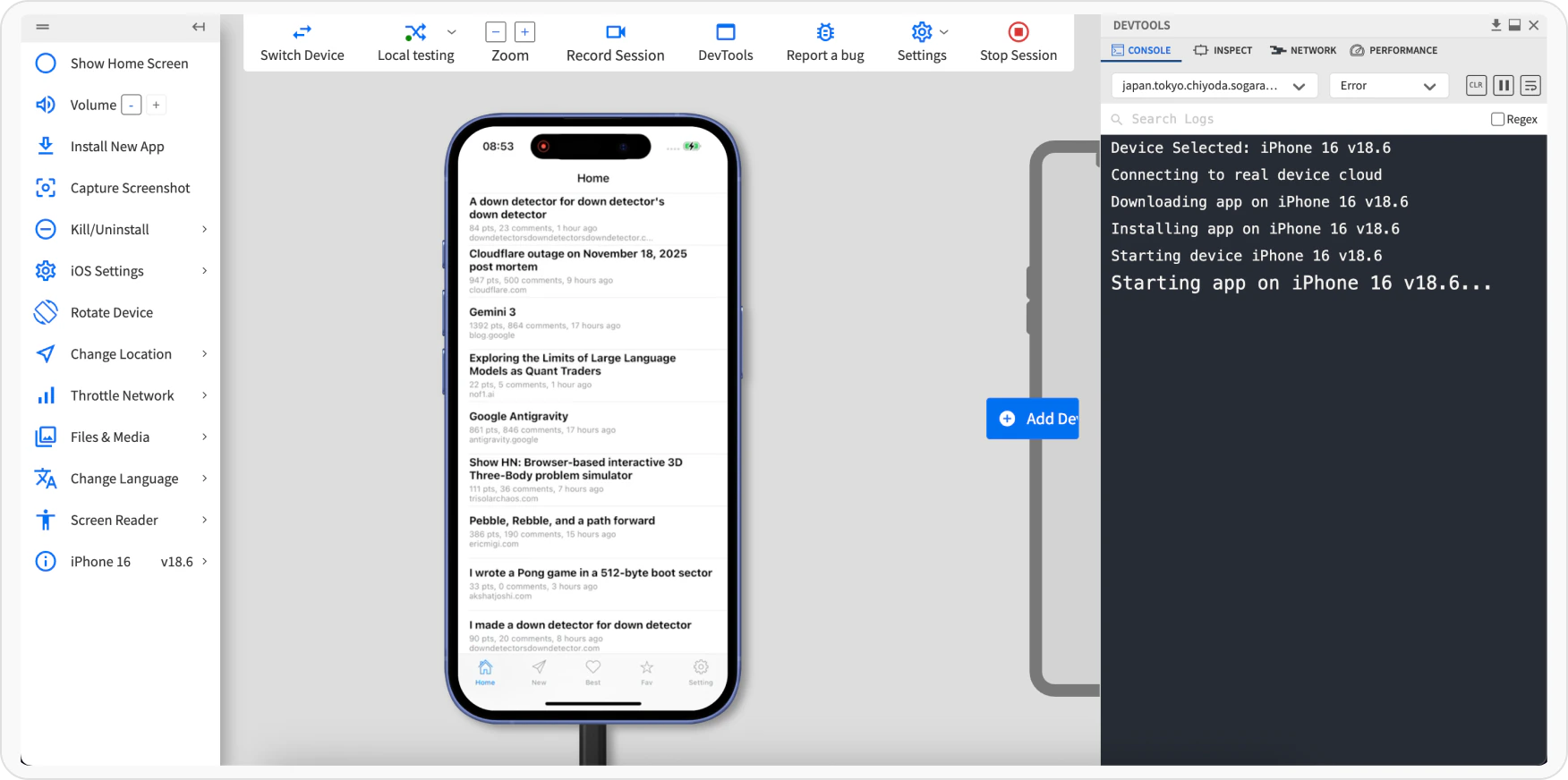
Log in to the App Live dashboard.
-
Verify that Force Local is On.
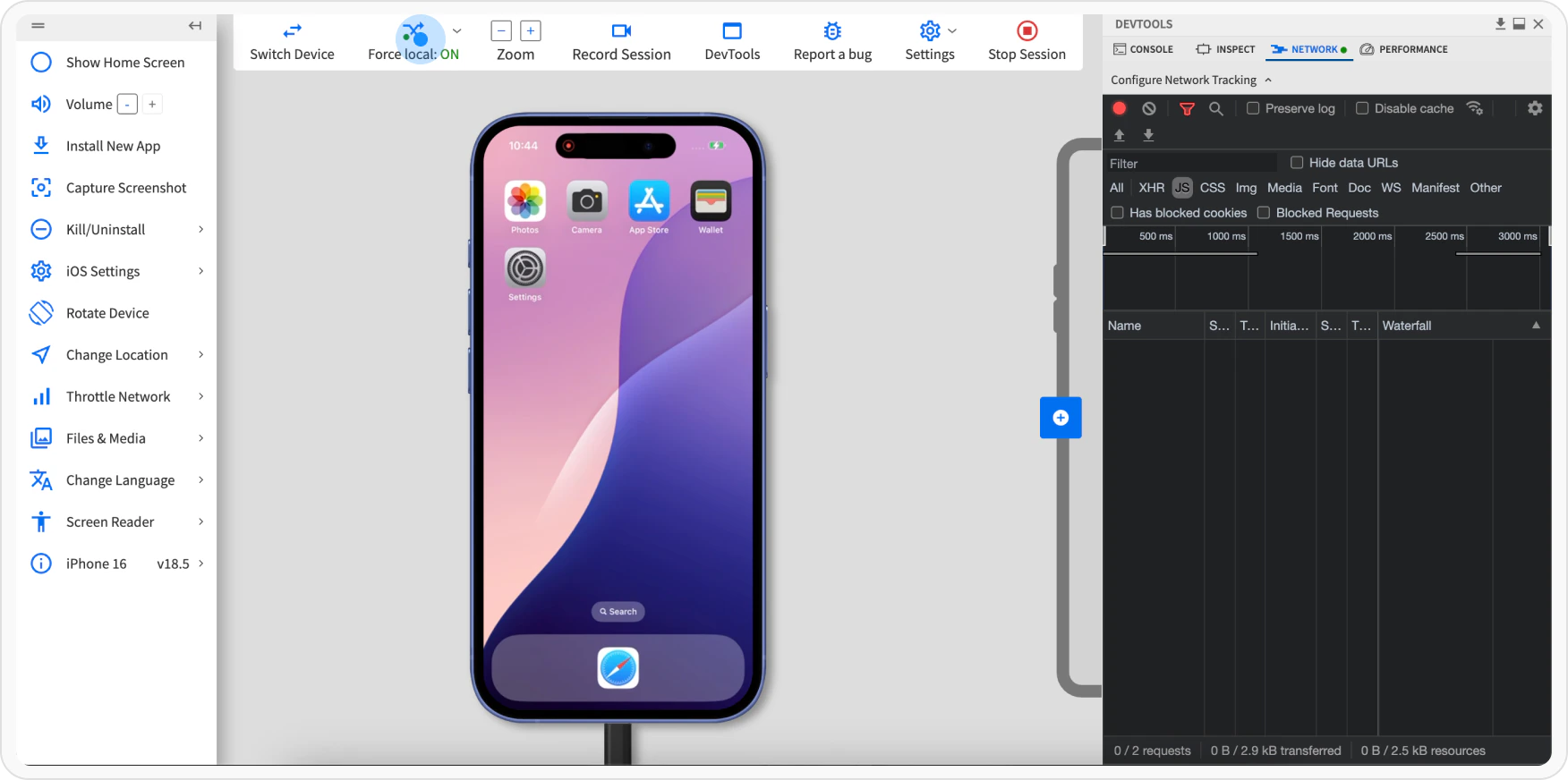
-
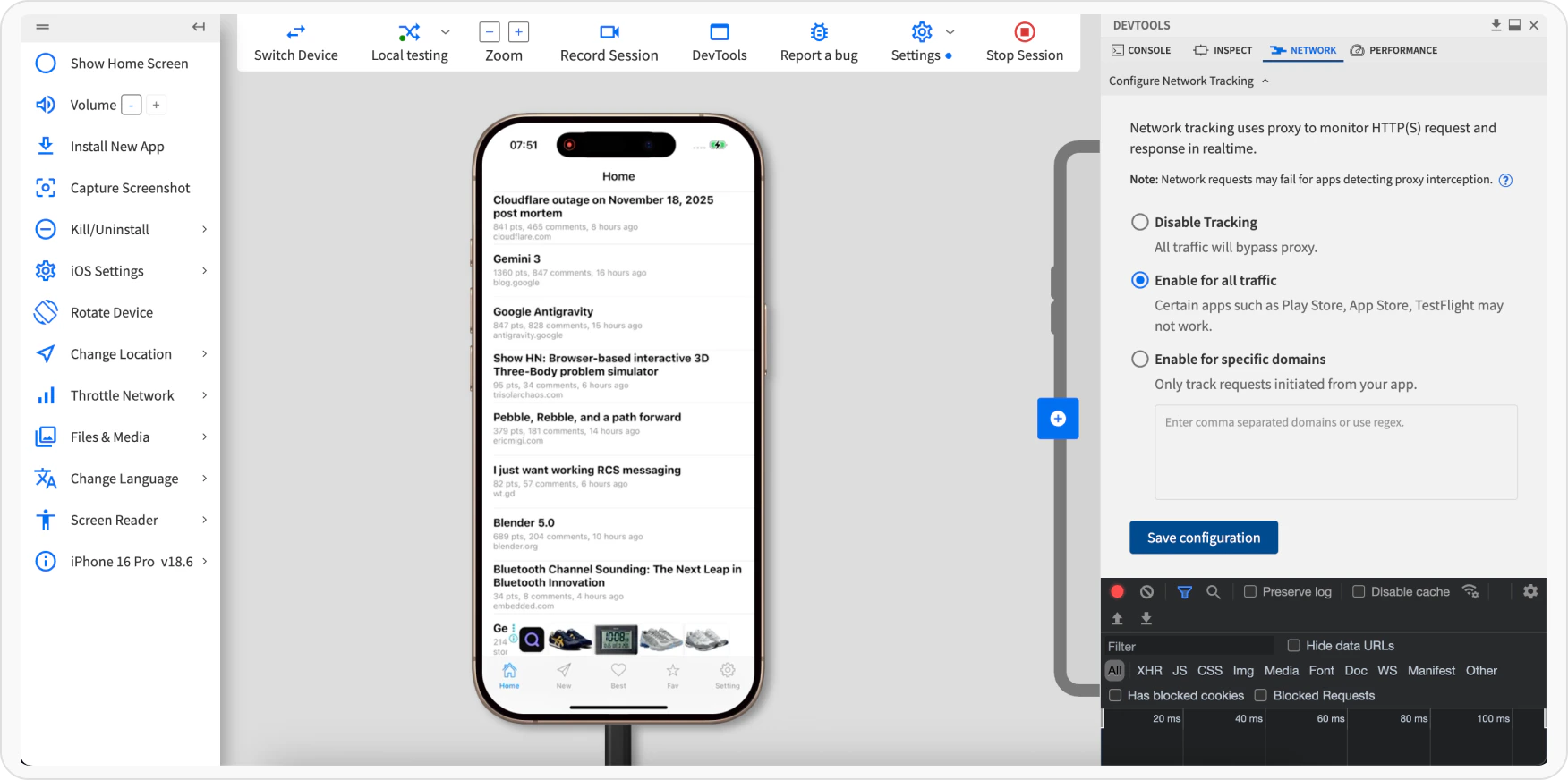
In Devtools, click the Network tab, and select the Enable for all traffic option. Click Apply.