

- Preload the Requestly Interceptor extension (recommended)
- Manually install the extension inside the browser session
Preloading the Requestly Interceptor Extension (Recommended)
BrowserStack allows certain extensions to be preloaded so they are automatically available in every new session. This is the fastest and most reliable way to use Requestly Interceptor in Live.Steps to Preload Requestly Interceptor
1
Log in to BrowserStack Live
Log in to your BrowserStack Live dashboard.
2
Open Extensions
Click the Extensions button next to the bookmark icon in the URL bar.
3
Enable Requestly Interceptor
The Extensions window opens with the Requestly Interceptor extension already added by default. Enable the extension using the toggle switch.
4
Start Live Session
Start a Live session by selecting a supported OS and browser combination. Requestly Interceptor loads automatically inside the browser.
Supported OS & Browsers for Preloading
Preloading is supported only in desktop sessions.Note: Firefox does not support preloading extensions. You can still install Requestly Interceptor manually during your session.
Manually Installing Requestly Interceptor in BrowserStack Live
If your browser or session does not support preloading, you can manually install Requestly Interceptor inside the Live session.Chrome / Edge
1
Start Live Session
Start a Live session using Chrome or Edge.
2
Open Chrome Web Store
Open the Chrome Web Store.
3
Search for Requestly Interceptor
Search for Requestly Interceptor.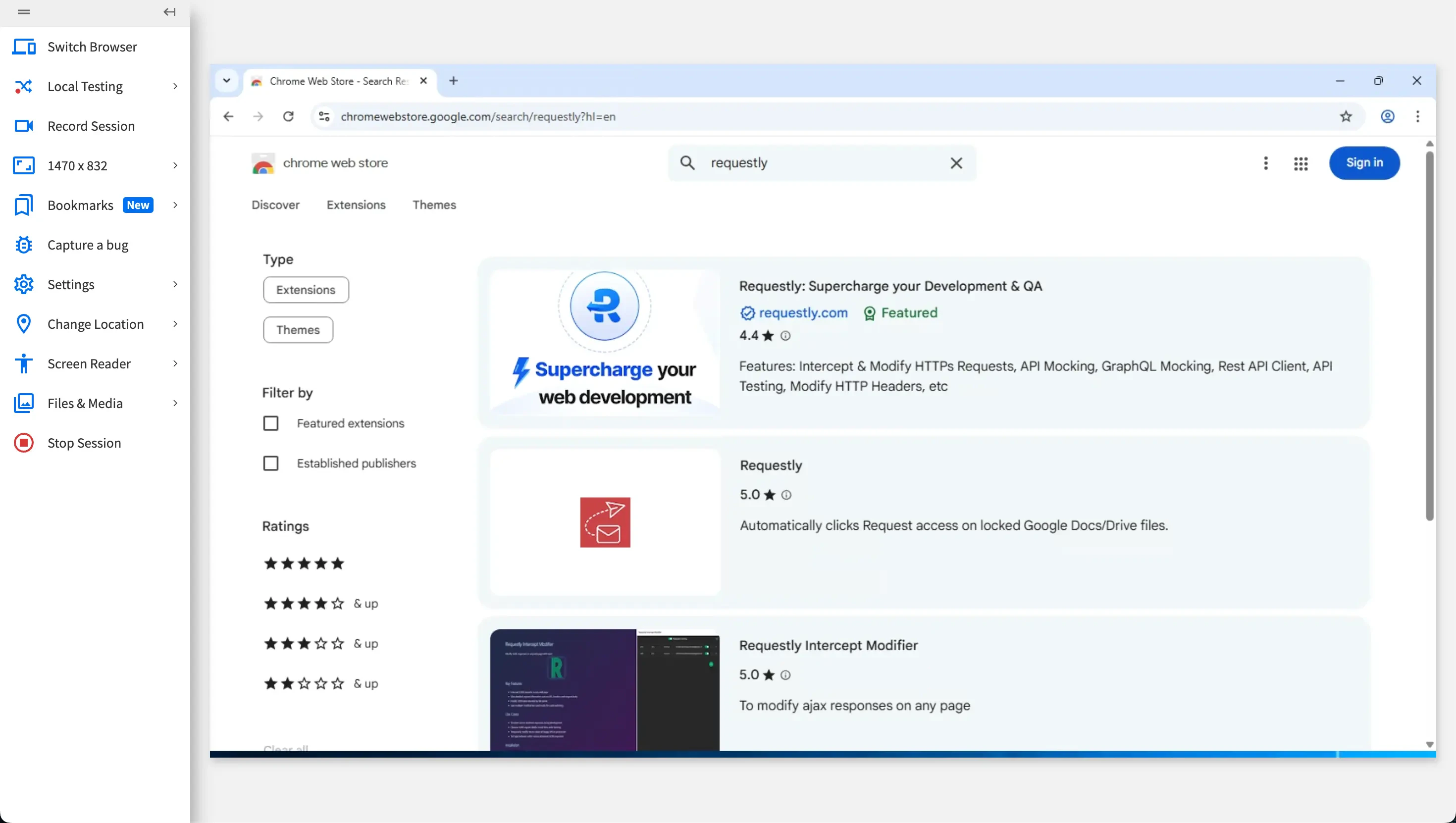
4
Install Extension
Click Add to Chrome / Add to Edge.
5
Extension Ready
The extension is now available in the browser.
Firefox
For Firefox users, Requestly Interceptor can be installed through the Requestly Interceptor download page.1
Start Live Session
Start a Live session using Firefox.
2
Visit Download Page
Visit the Requestly Interceptor download page: https://requestly.in/downloads
3
Download Extension
Download the Requestly Interceptor Firefox (.xpi) extension.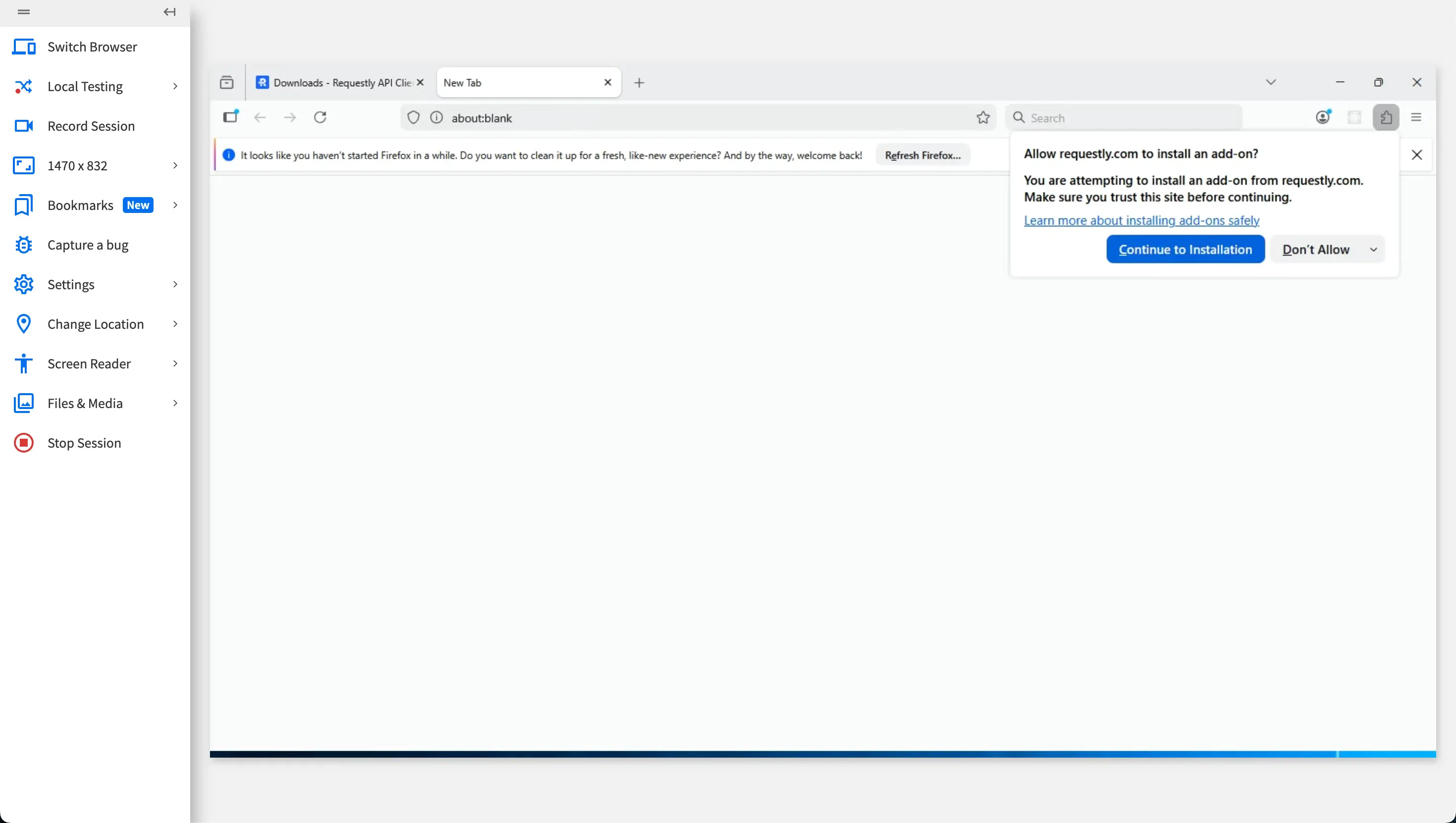
4
Approve Installation
When prompted, approve the installation.
5
Extension Ready
Requestly Interceptor is now available inside the browser.