> ## Documentation Index
> Fetch the complete documentation index at: https://interceptor-docs.requestly.com/llms.txt
> Use this file to discover all available pages before exploring further.
# Header Editor
> Learn how to export Header Editor configurations and import them into Requestly Interceptor.
**Header Editor** is a Chrome extension used to modify HTTP request and response headers directly in the browser. If you're switching to **Requestly Interceptor**, a free, modern, and collaborative alternative, this guide will help you migrate your Header Editor configuration seamlessly.
With Requestly Interceptor, you get powerful and user-friendly tools for header modification completely free of charge.
Requestly Interceptor does not support the import of **"Modify Response Body"** configurations from Header Editor.
## Exporting Configuration from Header Editor
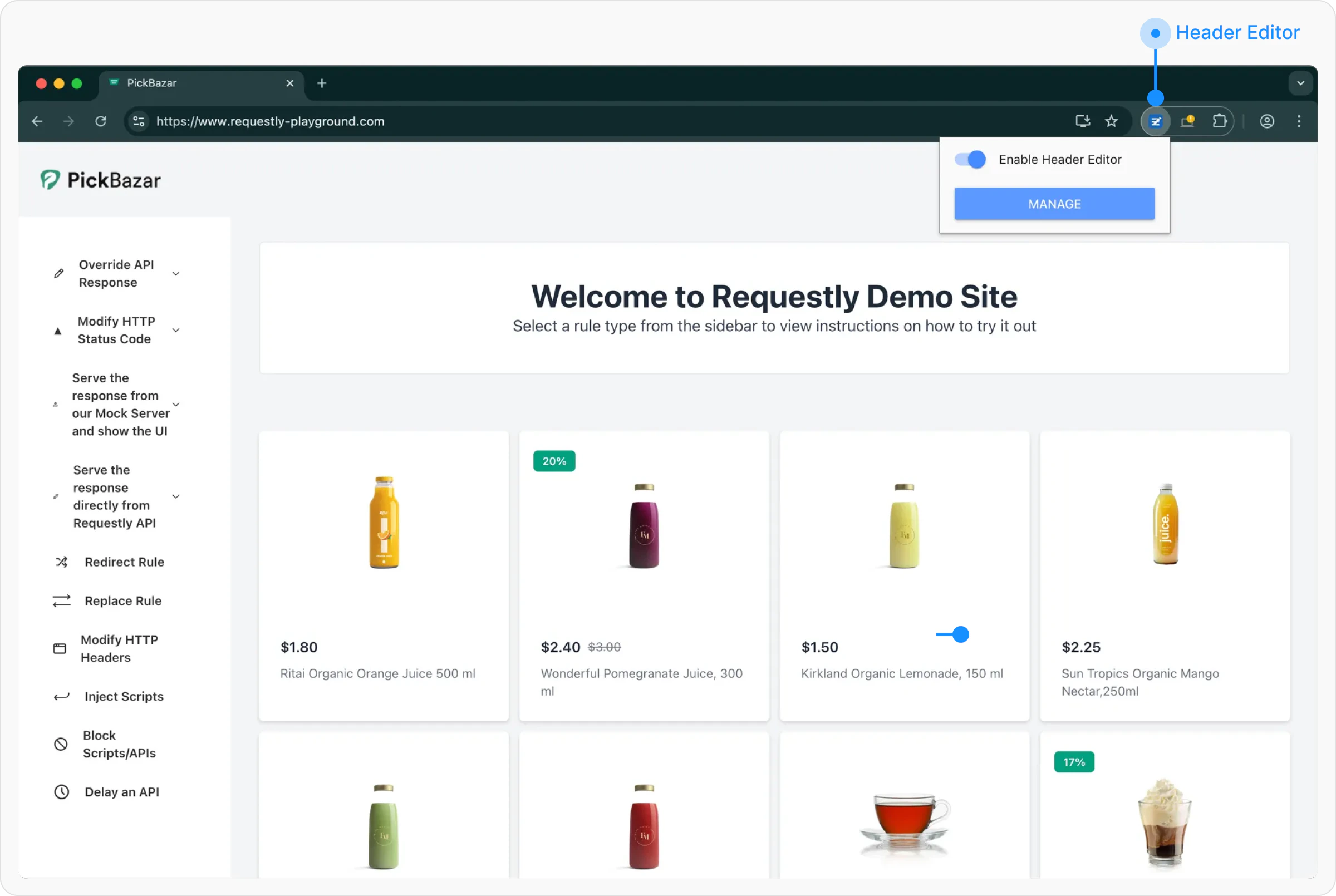
Click on the **Header Editor** icon in your browser’s extensions toolbar and click on manage.
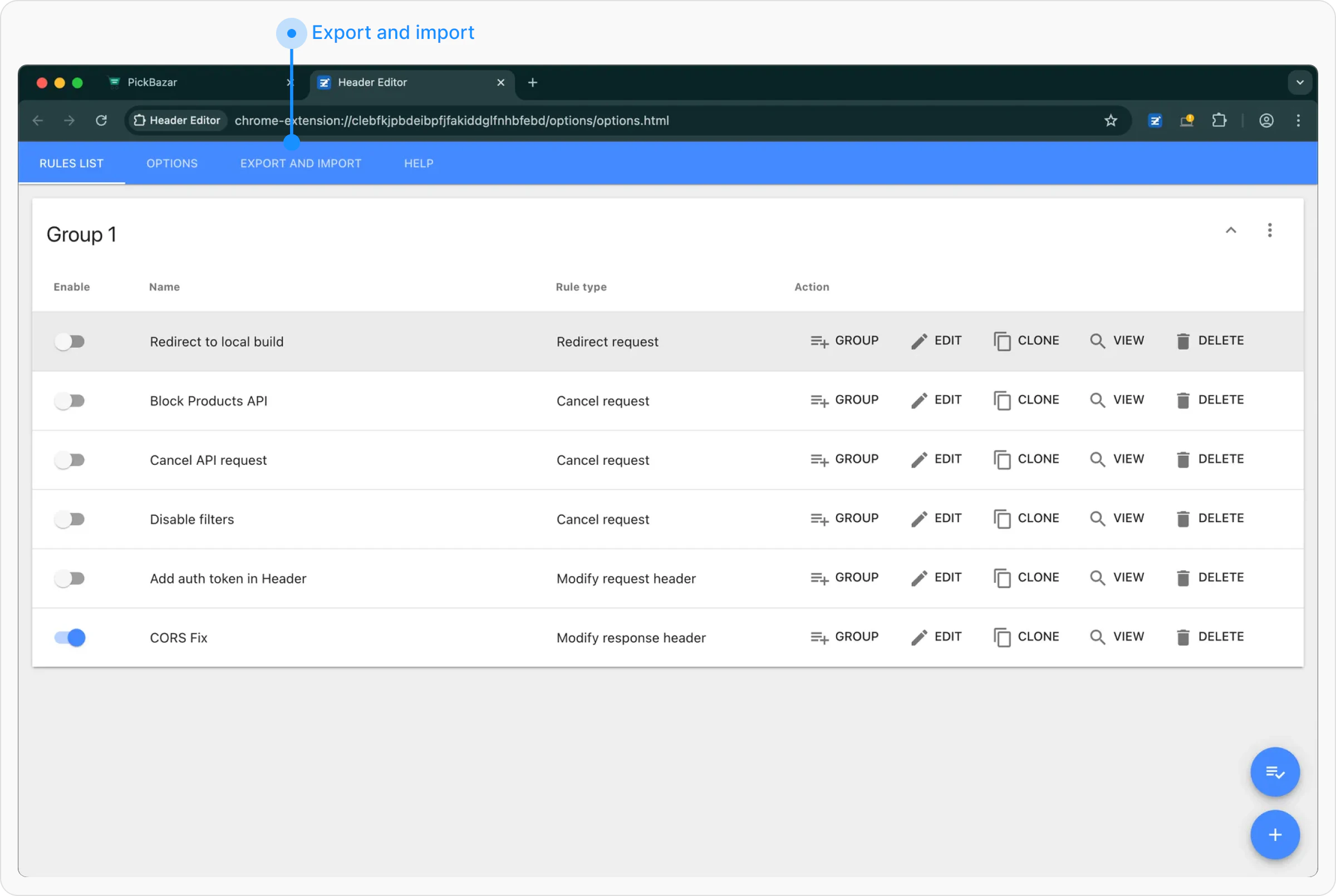
 Once the extension interface opens, go to the **Export and Import** tab in the sidebar.
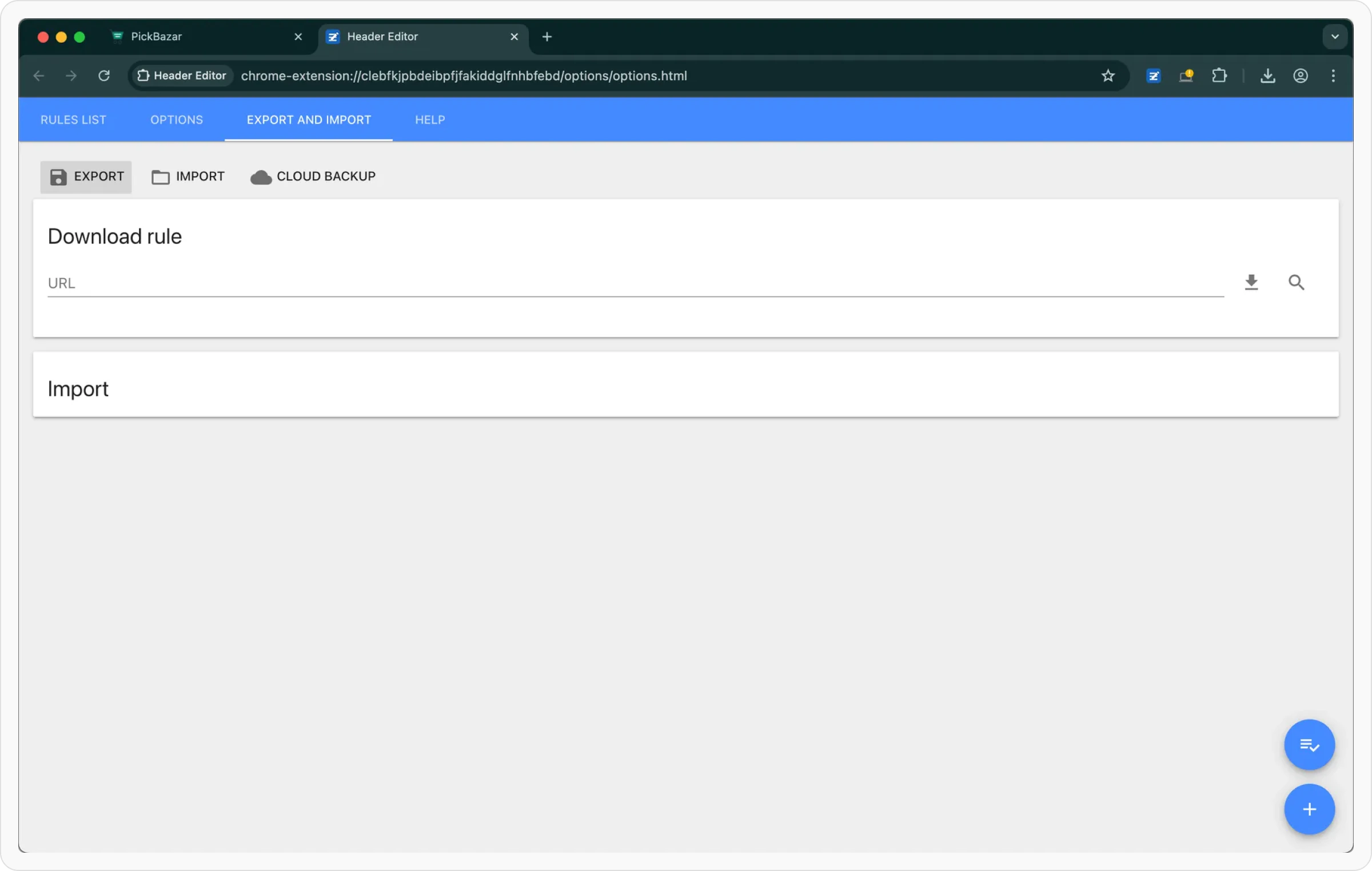
 Click on the **Export** button. This will **download** your current Header Editor configuration.
 ## **Importing Configurations into Requestly Interceptor**
After exporting your configurations from Header Editor, follow these steps to import them into Requestly Interceptor:
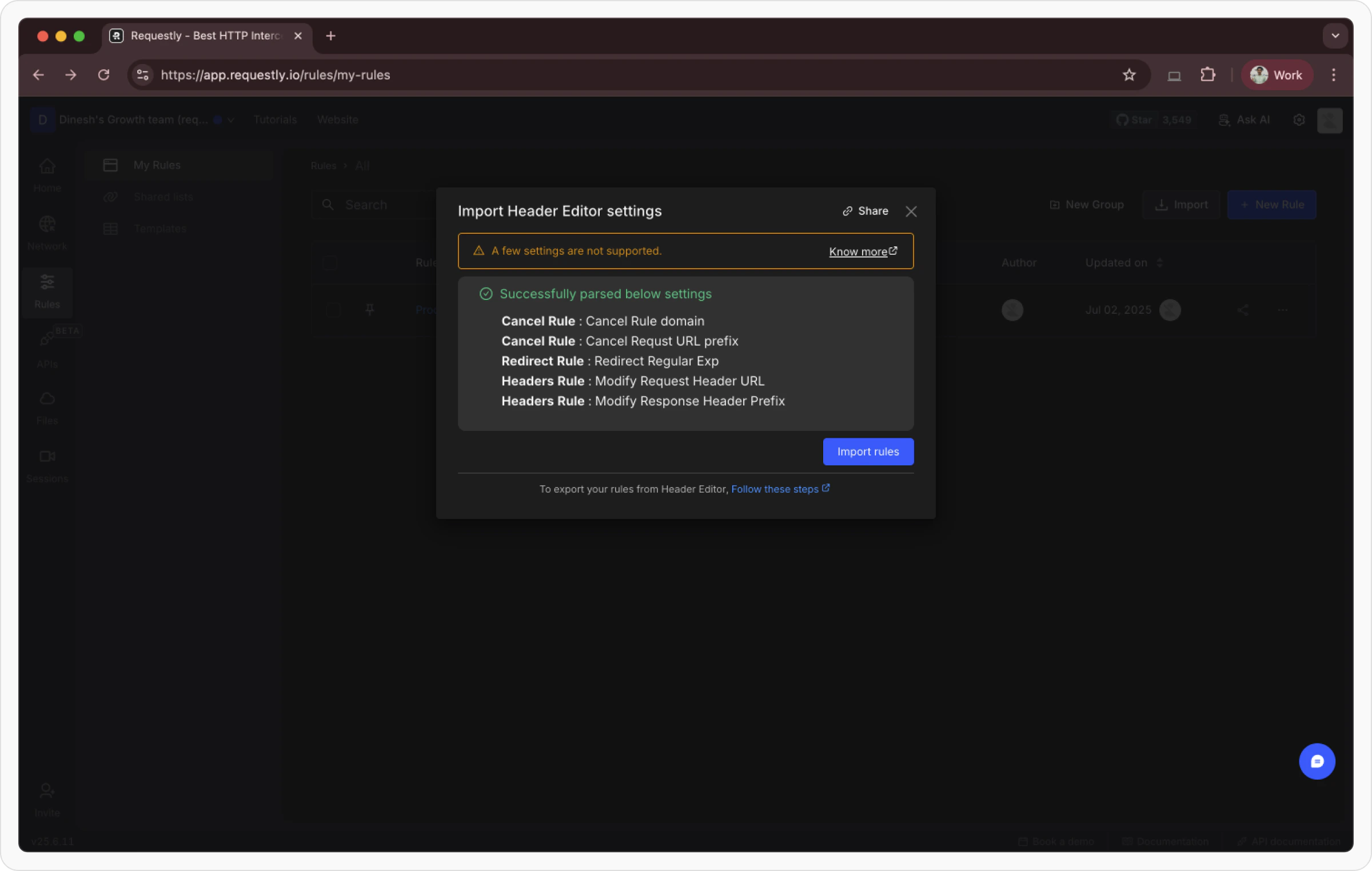
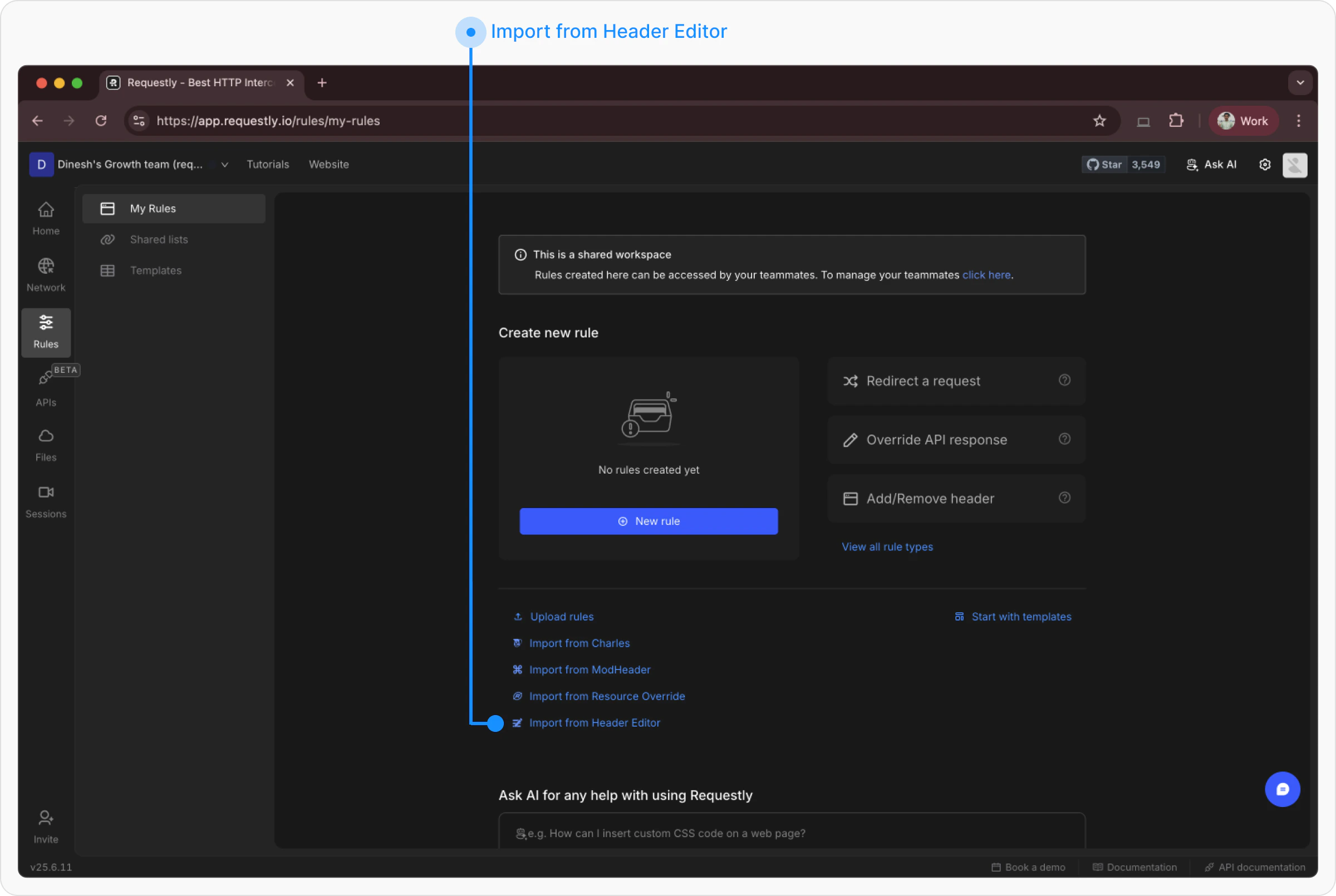
If you **don’t have any existing rules**, you’ll see an **Import from Header Editor** option directly on the screen. Click it to open the import popup.
## **Importing Configurations into Requestly Interceptor**
After exporting your configurations from Header Editor, follow these steps to import them into Requestly Interceptor:
If you **don’t have any existing rules**, you’ll see an **Import from Header Editor** option directly on the screen. Click it to open the import popup.
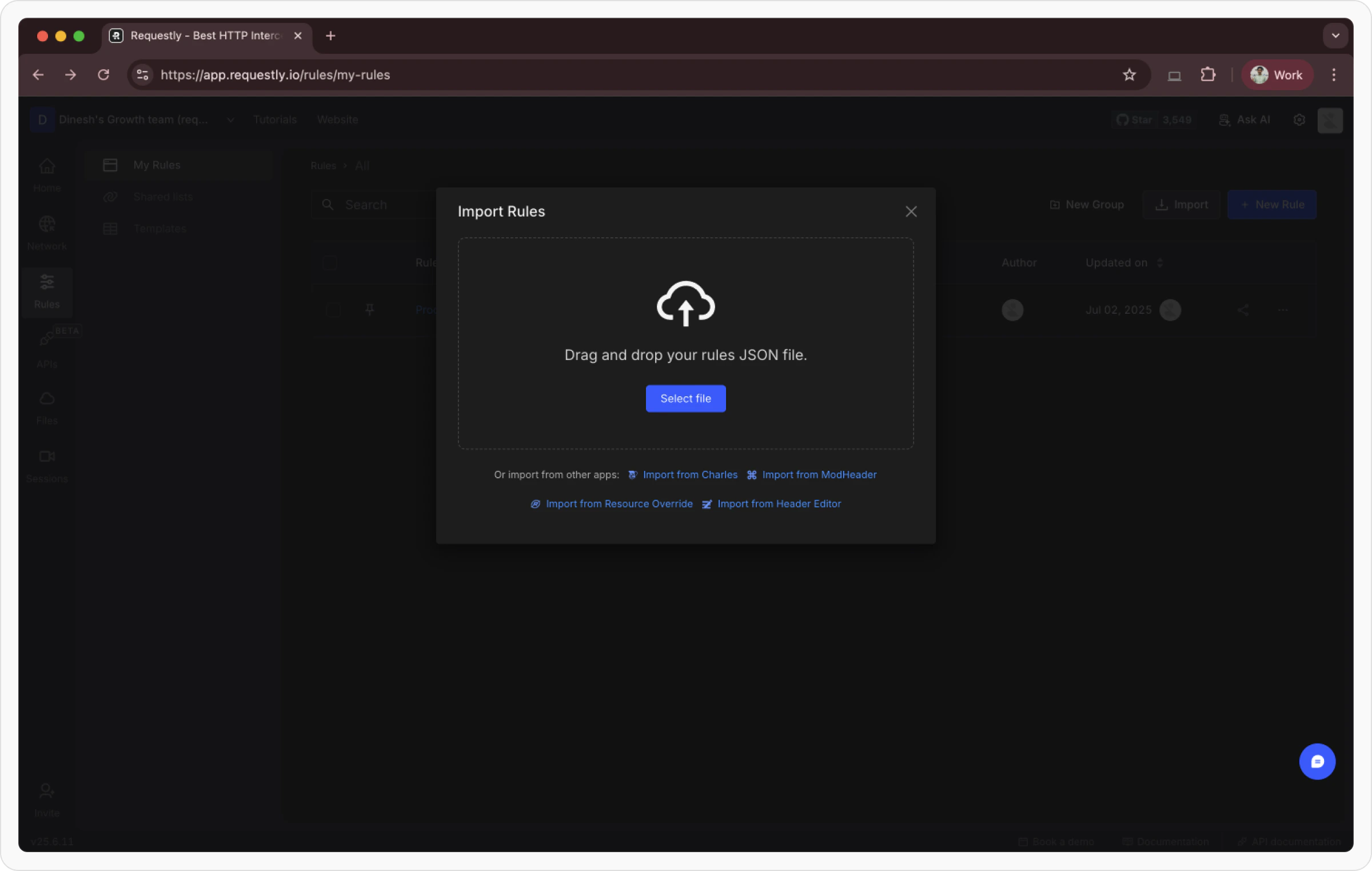
 If you **already have rules**, click the **Import** button in the top-right corner, then select **Import from Header Editor** from the bottom of the popup.
 On the import page, **drag and drop** your exported config `.txt` , or **click to browse and select it** from your system.
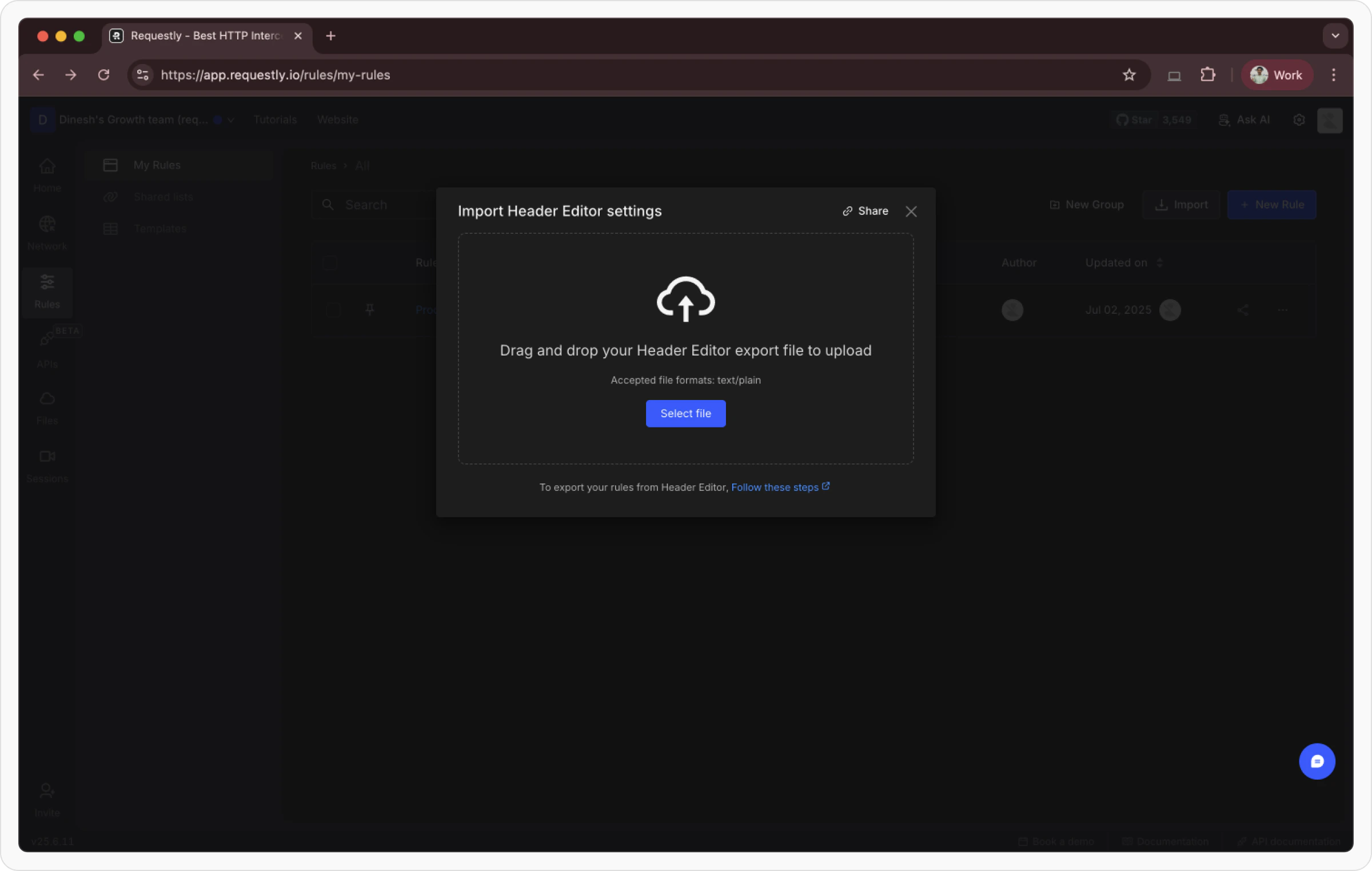 Once the file is processed successfully, your Header Editor configurations will be automatically converted into Requestly Interceptor rules. Review and confirm them in your dashboard.